Krevaya

What changed
On October 18, Krevaya opened YouTube and TikTok to every account. Until then, YouTube showed a Connect button only to accounts with preview access, and TikTok was configured but not offered. Both now sit on the Channels page like any other channel: open Channels, press Connect YouTube or Connect TikTok, sign in on the platform's own page and allow Krevaya to publish. It takes about a minute, once.
Krevaya never sees your password. The access token is stored encrypted at rest, and disconnecting in Krevaya deletes it here and revokes it on the platform in one step. Google has verified Krevaya's branding and both YouTube permissions, so the sign-in screen is the ordinary one, with no warning page.
What each channel takes
Every post is one card in the review queue. Besides the copy and the media, each platform asks for its own choices, and a post that is missing a required one waits rather than guessing.
YouTube. One vertical video, uploaded as a Short. The card asks for the title, the visibility (public, unlisted or private) and the made-for-kids declaration, and the description can hold 5,000 bytes. A Google account can own several channels, so you pick the channel when you connect. Krevaya never pre-selects the visibility or the made-for-kids answer. The details are on the YouTube channel page.
TikTok. One video with a caption of up to 2,200 characters, posted directly to the account. The card asks for the privacy level, the three interaction switches and the commercial-content disclosure that TikTok requires. TikTok shows the creator their current settings on every post, and Krevaya reads them live rather than caching them. The details are on the TikTok channel page.
Review-first, as on every channel
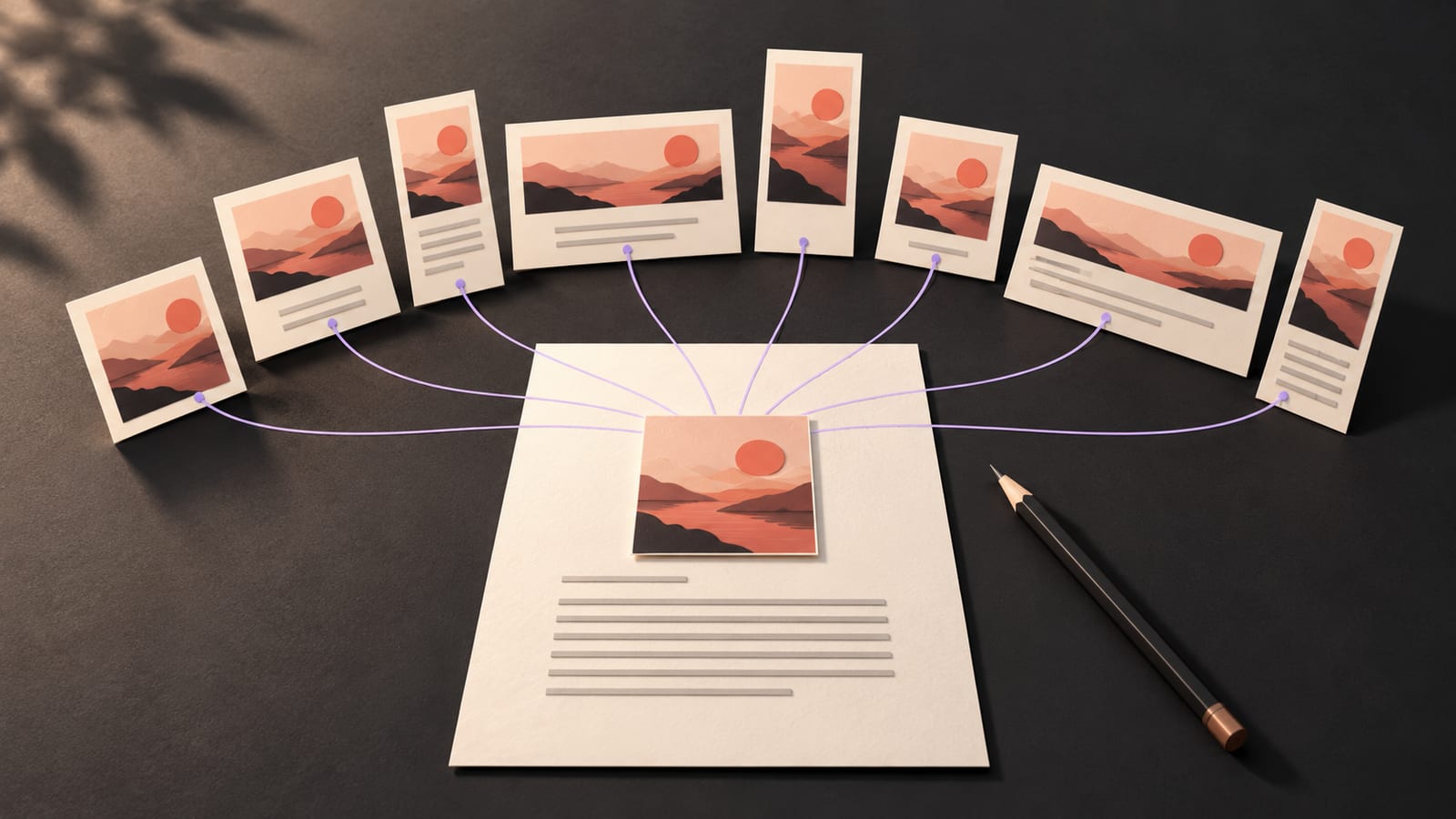
Nothing changes about how a post gets out. Write it yourself, or let Krew draft it from what is trending in your niche, in your voice. The draft lands in the review queue; nothing publishes until you approve it, and auto-publish stays opt-in per brand. Give the post a time, or let Krevaya pick the next free slot from your own engagement history. Approve a post once and send its version to YouTube, TikTok and any other channel you have connected, each on its own card.
Both channels also work from your AI agent. Ask ChatGPT, Claude or another agent to draft for YouTube or TikTok through Krevaya's hosted MCP server, and the draft waits for your approval like any other.
Two things to know before your first video
YouTube uploads currently arrive as private videos. The publish panel shows this restriction before you approve a post, so there is no surprise at publish time. The video is on your channel with the title and description you approved, and you can change its visibility in YouTube Studio when you want it seen.
Both platforms meter Krevaya's app as a whole. YouTube has a daily upload allowance for the app, and TikTok caps how many creators an app posts for in a day. Every customer shares those budgets, so on these two platforms your plan also sets a cap for your whole account, every brand together. The Posting limits table shows it under the brand's count, and a post over the cap is held, never failed: it goes out once the platform's day turns over, at midnight Pacific time for YouTube and 00:00 UTC for TikTok. The numbers by plan are on the posting limits help page.