
Features
See Krevaya at work
Short recordings of the real app: edit a Studio creation, draft with Krevaya AI, review and schedule in Posts, and set up a Convo reply. Every feature is listed below.
Sign up with Google or Microsoft, then choose your plan.
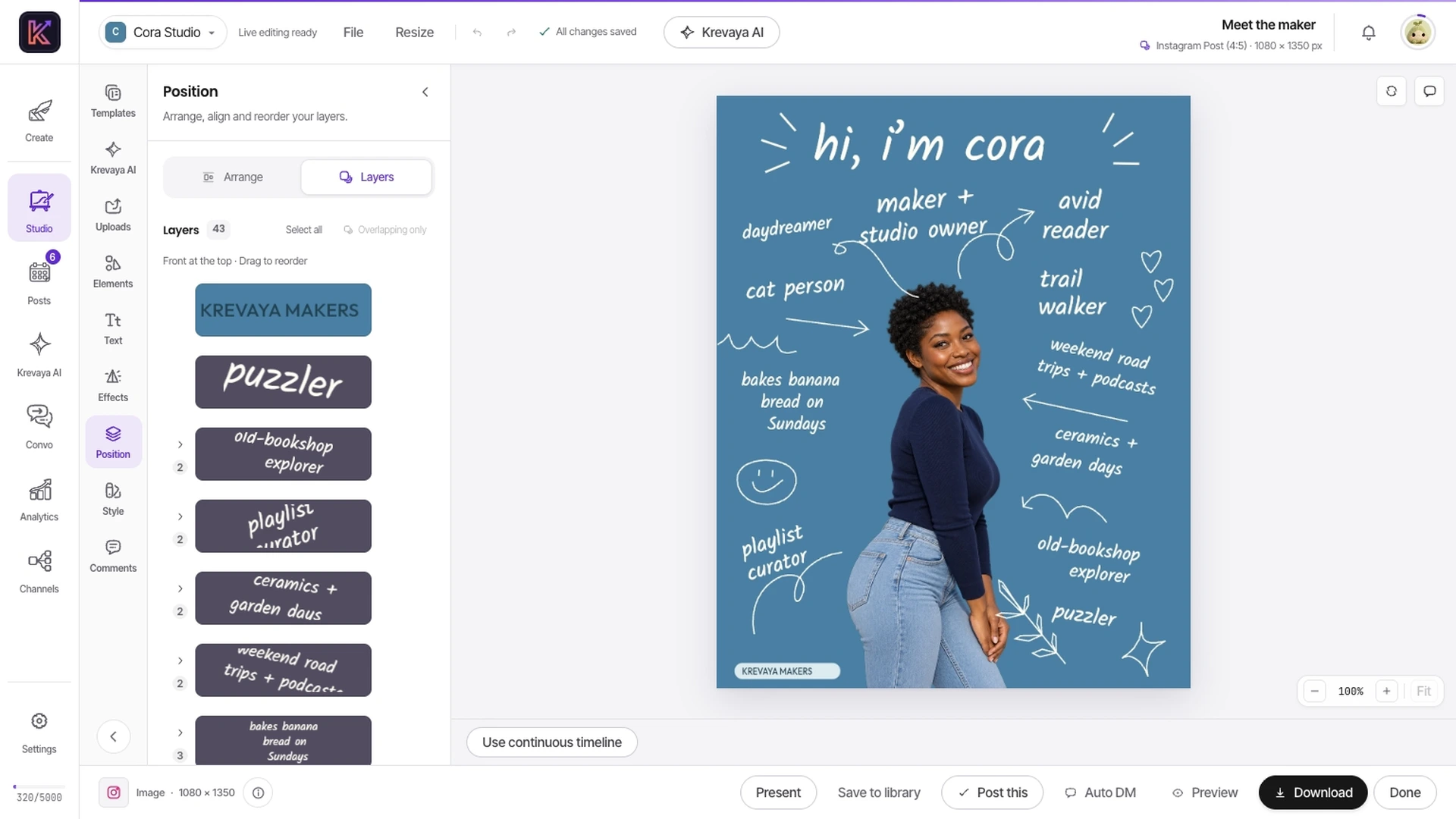
Select a layer and make the template yours
Start with a template. Select its individual layers, bring in your own photos, and choose how to download the finished creation.
Explore Studio- Images & carousels
- Editable layers
- Video & audio
Read the walkthrough
- Open Bluebird Maker Notes in Studio.
- Select the headline from the Layers panel and adjust its position.
- Browse your photos in Uploads, then open the download options.
Find the feature you need
Create
Studio for the artwork and video, Krevaya AI for the words.
Plan
The calendar, and the Routines that keep it stocked with drafts.
Publish
Review, schedule, and publish to your channels, or from your own tools.
Grow
Replies, results, breakout posts, and a Link in Bio page.
Make your next post with Krevaya
Create your account, choose a plan, and start making.
Create your account
Try a plan for 7 days. Card required.