
Krevaya AI
Draft posts in your own voice
Tell Krevaya AI what’s happening, share a few examples of your writing, and work on the draft together. Keep the details that make it yours.
AI writing is included on Plus and up. Sign up with Google or Microsoft, then choose your plan.
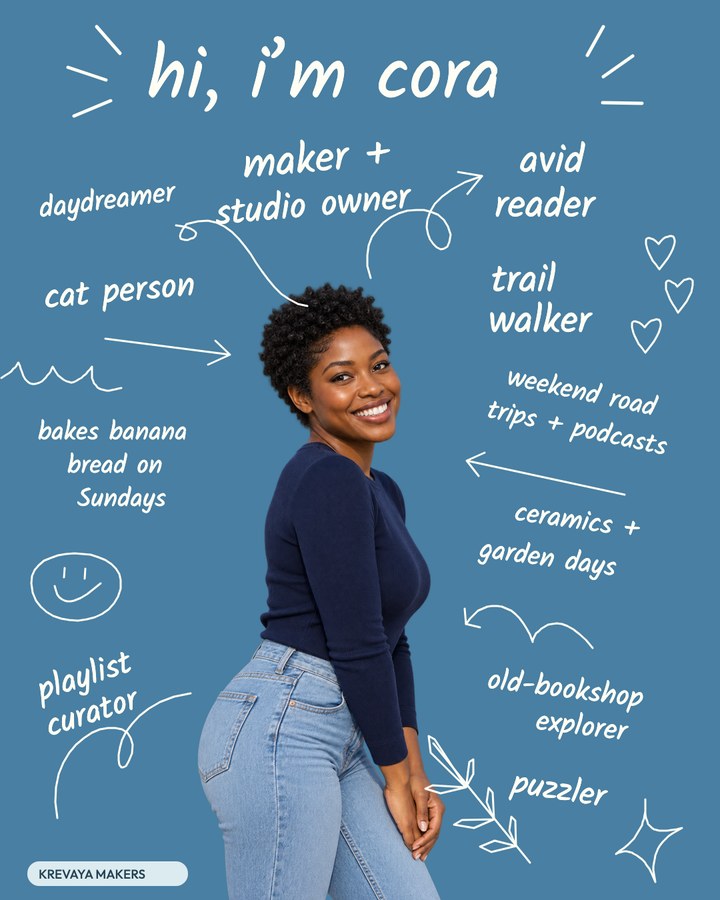
I’m Cora. I run a ceramics studio, walk trails, collect books, and bake banana bread on Sundays. Write a short introduction for people who just found my work.
A draft from Krevaya AI
Hi, I’m Cora. I make ceramics and run a small studio. Off the clock, I’m usually out on a trail or finding room for another book. There’s banana bread on Sundays. I’ll share new pieces here, and the work that happens before they’re ready.
Start from what you know
A topic, a brief, a customer question, or the details of your next launch.
Your writing as the reference
Examples of your own writing and brand voice settings, with a separate voice for each brand.
A version for each channel
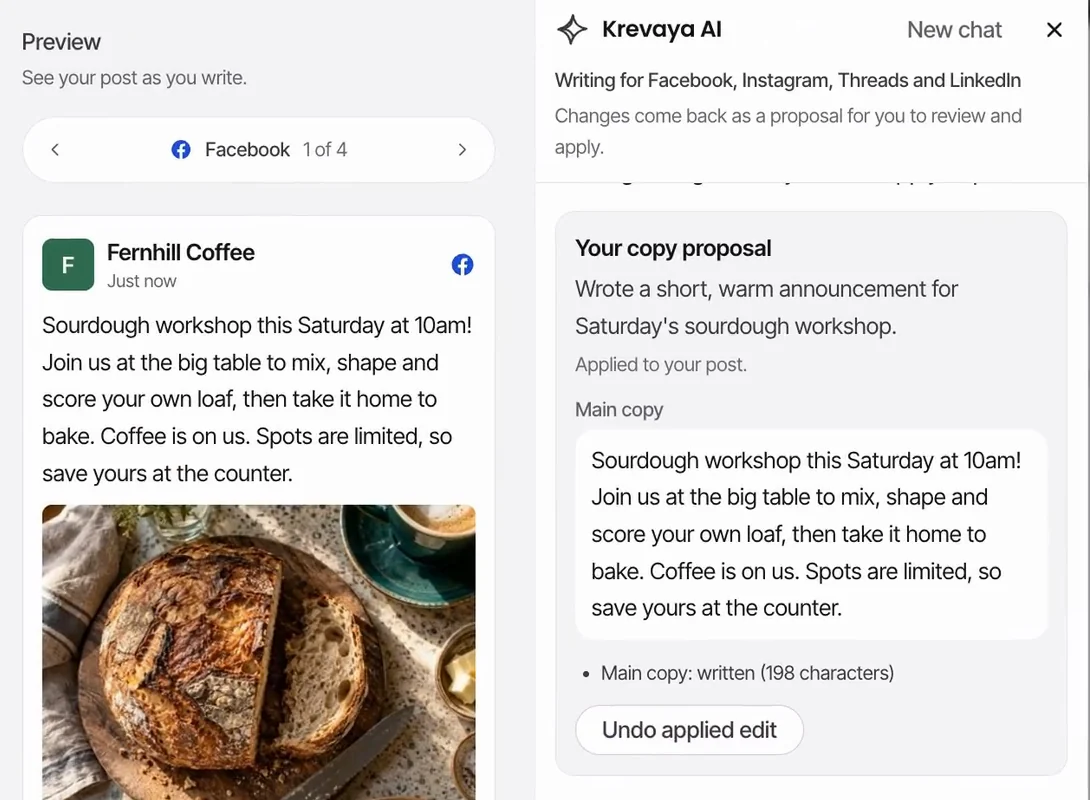
An Instagram caption, a short Threads update, and a LinkedIn post from the same facts.
Trending topics on Ultra
On Ultra and up, ask what is trending when you need a topic.
Ask Krevaya AI to change a creation
Started a creation in Studio? Pick the conversation back up on the Krevaya AI page, ask for the next change, and apply it there. For a video, ask for captions and Krevaya AI builds them as editable layers. AI edits use AI credits.

Read the conversation
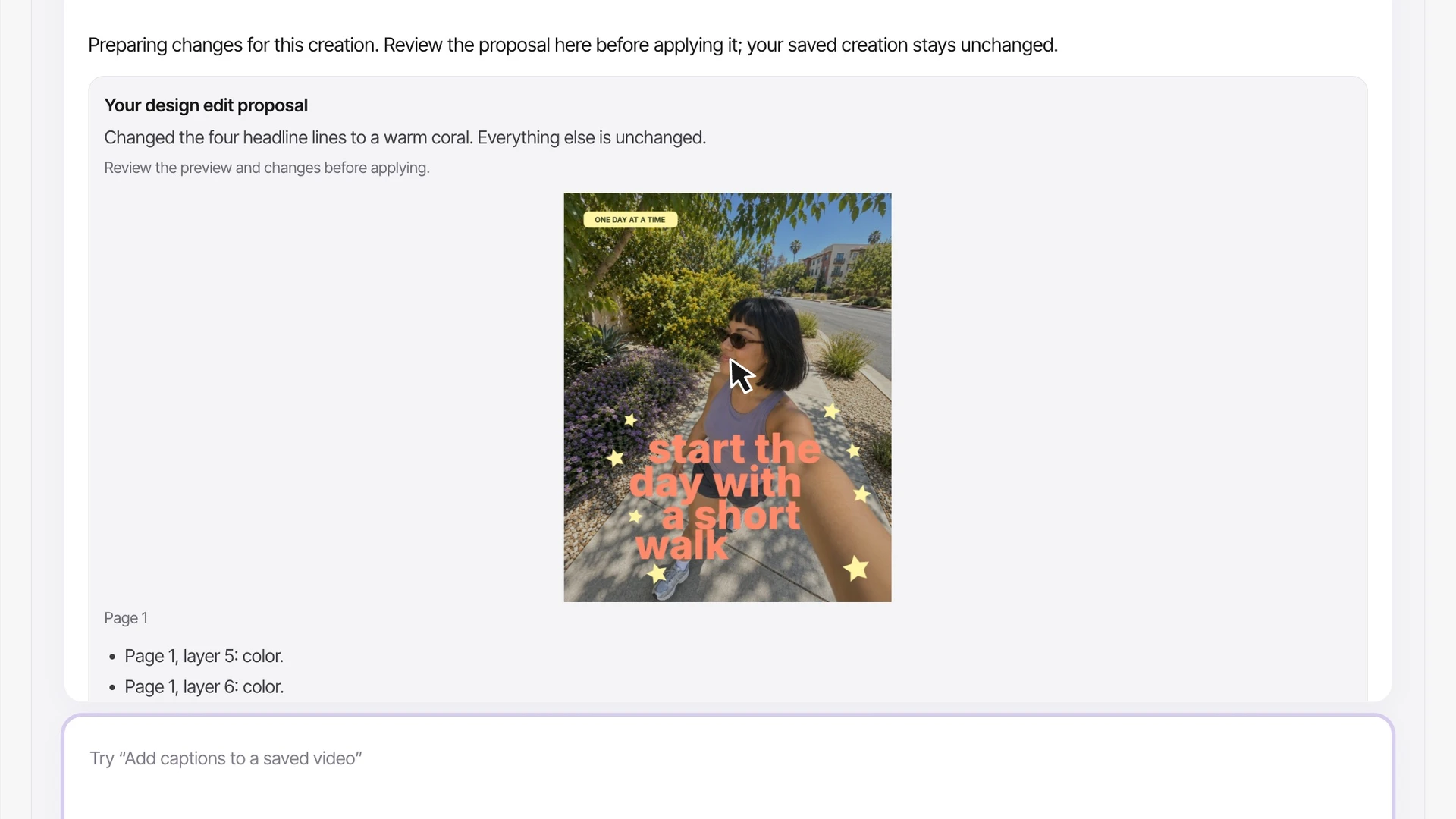
Three creations changed from the Krevaya AI page. The Morning walk reminder image was first edited in Studio (“Change the headline to ‘start the day with a short walk’”); picked up in Krevaya AI, the request “Now make the headline coral” recolors the four headline lines. The October photo journal carousel was first edited in Studio (“Make this my October recap”); picked up in Krevaya AI, “Change the title to ‘Walks I loved this fall’” rewrites the cover title. For the Founder interview video, the request “Add clean captions to my founder interview” transcribes the clip and proposes fifteen caption lines, which are then opened in Studio and played. Each proposal is reviewed before it is applied. Waiting time is shortened in this recording.
Every change waits for you to apply it
Krevaya AI says what it changed and shows the result as a proposal. Your saved creation stays as it was until you apply it, and Undo puts the original back.
- Images, carousels, and videos stay in editable layers
- Keep the conversation going for the next change
- AI edits use AI credits


Keep the good line and change the rest
A draft gives you something to respond to. Use Revise with AI for a broader rewrite, or open the caption and make the small change yourself.
- Ask for a new angle or a tighter opening
- Check each channel’s version in Posts, then approve and schedule
- Manual writing and editing use no AI credits
Questions about Krevaya AI
What should I give Krevaya AI to start?
A topic, the people you want to reach, and the details that matter. A price, a date, a customer question, or a clear opinion gives the draft something to work with.
How does it learn my brand’s voice?
Add your own writing in Settings → Brand voice, describe your audience, and set language preferences. You can keep one voice across platforms or set a different one for each. Brand Memory lets you review and correct what Krevaya knows about your business. Ongoing voice learning is a setting you control.
Will it publish the drafts automatically?
Review-first publishing is the default. Open a draft in Posts, edit the caption, check each channel’s version, and approve it before scheduling. Auto-publish is off unless you turn it on for a brand. Pinterest and Tumblr always require your approval.
Do I need a separate AI subscription?
No. Krevaya AI is built in on paid plans, starting with Plus at $29/month. AI writing uses your plan’s AI credits; manual writing and editing use no AI credits. You can also connect tools such as ChatGPT or Claude through MCP. Any subscription required by an external tool is separate.
Set up your brand voice or see plans and AI credits. Prefer your own AI tool? Bring it to the same drafts and calendar.
Krevaya AI
What have you been meaning to post?
Bring the idea and work on the words together. AI writing is included on Plus and up.
Try a plan for 7 days. Card required.