Guide
Social media MCP server: connect Claude Code and control what it can publish
Connect a social media MCP server to Claude Code, choose read or publishing access, review drafts, and verify outcomes. Includes setup and a reusable session prompt.
Publish
A public API with scoped keys, HMAC-signed webhooks, and a hosted MCP server for Claude, Cursor, and any MCP client. List drafts, and create and schedule posts, through the same checks as the dashboard.
Sign up with Google or Microsoft, then choose your plan.
curl --fail-with-body https://api.krevaya.com/v1/posts \
  -H "Authorization: Bearer $KREVAYA_API_KEY" \
  -H "Content-Type: application/json" \
  -d '{
    "platform": "linkedin",
    "body": "Our repair intake checklist starts with a description of the problem."
  }'

# HTTP 201; status is "draft", and id is a string.
# Omitting brand_id uses the currently selected brand.
Scoped API keys (read, publish, generate, media, engage) you can revoke in one click
A hosted MCP server for Claude, Cursor, and any MCP client: your agent reads results, triages drafts, and schedules the week
HMAC-signed webhooks with retries for post.published, post.failed, and competitor.breakout
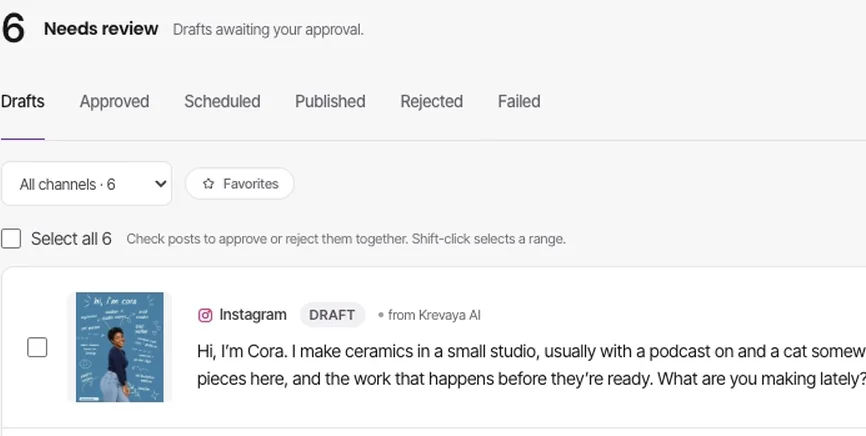
Posts sent through the API pass the same safety screening, caps, and review rules as everything else, so automation cannot skip your brand's settings. Leave out the schedule time and the post lands as a draft for your review; send a future timestamp and it is scheduled directly. Pinterest and Tumblr posts are the exception: they always land as drafts, and you approve each one in Krevaya.
Connect Claude, Codex, Cursor, or another MCP client that can send an API key to work with your Krevaya content. Check what performed, review drafts, schedule a post, or plan a week of content from the AI tool you already use. You can also connect your own automations through the REST API, including n8n and Make.
Register webhook endpoints and get HMAC-signed deliveries when a post publishes or fails, or when Krevaya Radar detects a breakout during a scan, so your own automations can react to the event.
Step-by-step articles from The Krevaya Fieldnotes.
Guide
Connect a social media MCP server to Claude Code, choose read or publishing access, review drafts, and verify outcomes. Includes setup and a reusable session prompt.
Guide
Build a social media automation workflow with clear review gates, a worked time-saving example, and a free launch checklist. Know when to hold a post.
In Krevaya Posts
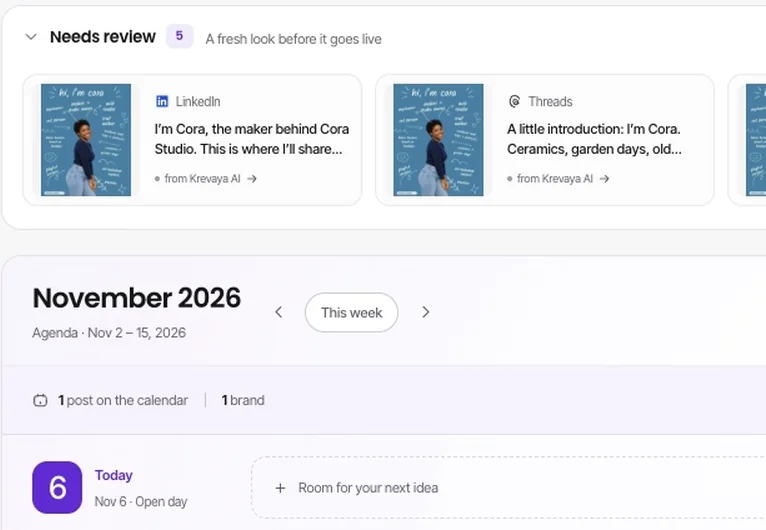
Nothing ships without your approval. Auto-publish is opt-in, and never for Pinterest or Tumblr.
Create your account, choose a plan, and start making.
Try a plan for 7 days. Card required.