
Text
A text post up to 500 characters.
Krevaya is the review-first content workspace that drafts, designs and schedules for Threads and 32 other channels. Last updated October 2026.
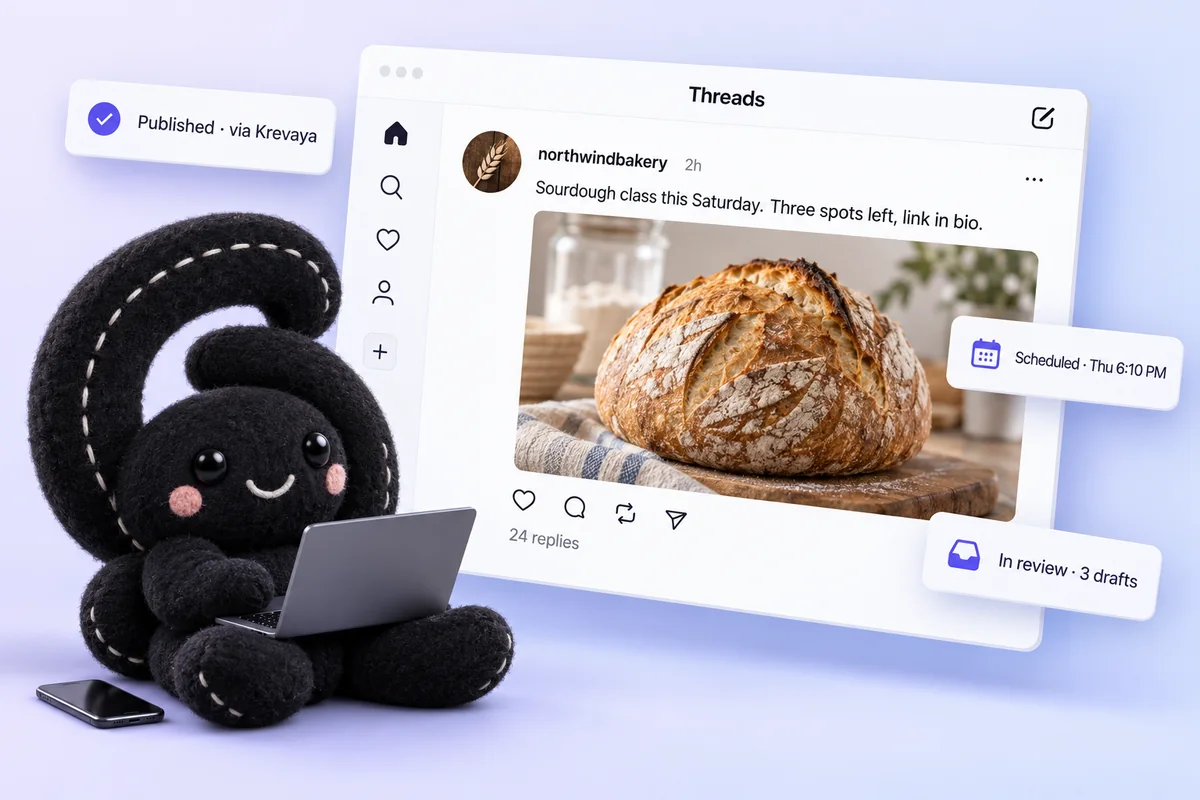
What Krevaya sends through Threads's official API, format by format. Available formats depend on your connected account.
A text post up to 500 characters.
One picture with a caption.
Up to 20 pictures in one post.
Sign in on the platform. About a minute, once.
Every post is one card in the review queue. Besides the copy and the media, Threads posts carry these choices, and a post missing a required one waits rather than guessing.
One workspace for every channel you run: the same drafts, the same review queue, the same calendar.
Krew drafts Threads posts from what is trending in your niche, in your voice, and leaves them waiting for your approval.
Drafts land in your review queue. Nothing publishes until you approve it, and auto-publish is opt-in per brand.
Schedule by hand or let Krevaya pick the next free slot from your own engagement history.
Approve a post once and send its version to Threads and any other channel you have connected, each on its own card.
Threads access is stored encrypted at rest, scoped to publishing, and revoked on Threads in one step.
Ask ChatGPT, Claude or any of 27 AI agents to draft for Threads through Krevaya's hosted MCP server.
What Threads itself allows, and what Krevaya does and does not do with it.
Same workspace, same review queue. More social networks, then everything else.
Connect Threads once in Krevaya's Connections (sign in on the platform), then write a post, or let Krevaya draft one, and approve it in the review queue. Give it a time or let Krevaya pick one from your own engagement history; it publishes on Threads at that time, whether or not you are online.
Text, Pictures, Carousels. A text post up to 500 characters. One picture with a caption. Up to 20 pictures in one post.
No. You sign in on Threads's own page and allow Krevaya to publish; Krevaya stores the resulting token encrypted at rest and never sees your password. Remove the access on Threads any time.
Only what you approved. Drafts wait in the review queue; approved and scheduled posts publish at their time. Auto-publish is opt-in per brand, and you can turn it back off any time.
Threads is available on every Krevaya plan, including Free, which comes with one connected account. More accounts and AI writing start with Plus at $29 per month. Threads's own plan requirements, if any, are Threads's.
Yes. Each connected account can be assigned to a brand, and a post publishes through its brand's account, never another brand's.
Yes. Krevaya's hosted MCP server lets ChatGPT, OpenAI dots, Claude and 24 other AI agents draft for Threads; the drafts land in the same review queue and publish only when you approve them.
Text, pictures, carousels. 500 characters of text. Twenty pictures per carousel.
Free includes one connected account. Join the waitlist and we'll be in touch when it's your turn. Your AI agent can drive it too, from ChatGPT or OpenAI dots.
Join the waitlist Instagram
 Pixelfed
 TikTok
 Slack
Slack Microsoft Teams
 Google Chat
 Whop
Whop Discourse
 Circle
 Beehiiv
 Buttondown
 Kit
Kit