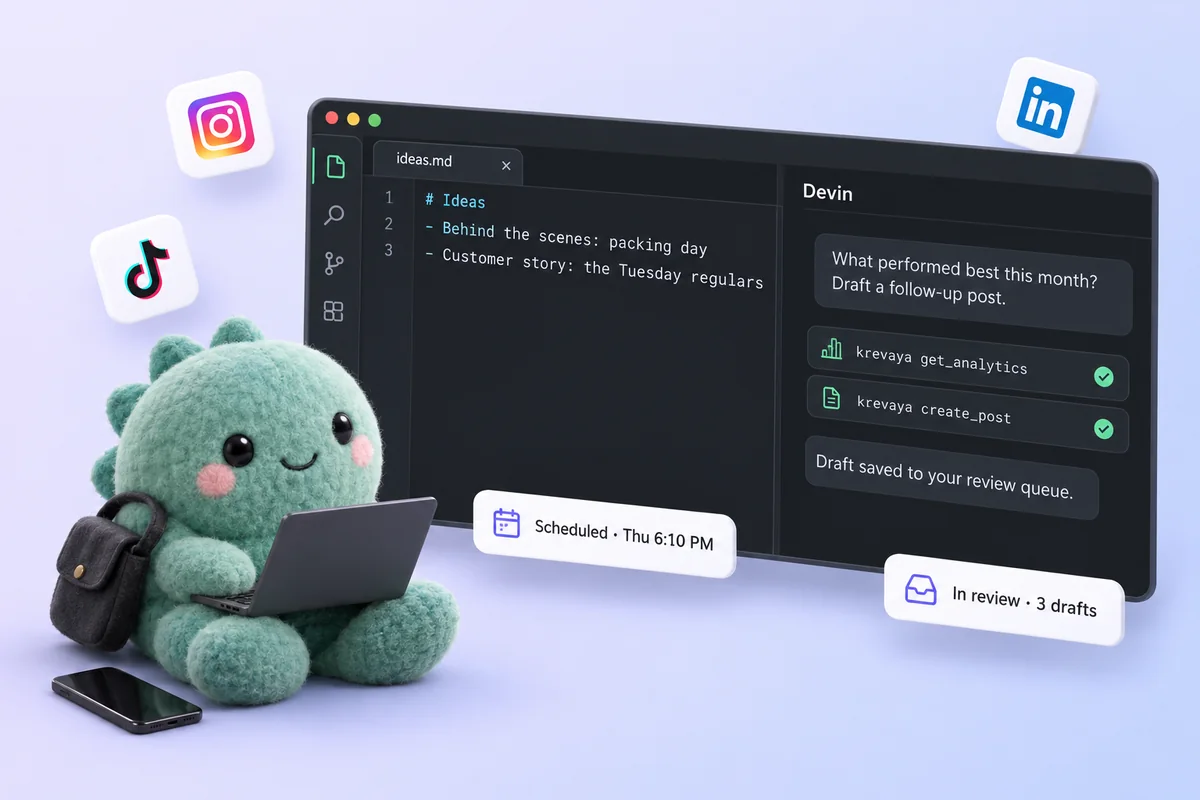
How does Krevaya work with Devin Desktop?+
Krevaya hosts a remote MCP server. Add it to Devin Desktop with the snippet on this page and Devin Desktop gets Krevaya's tools: list and triage drafts, create posts, draft a week, repurpose a link, design and edit video templates, schedule, and read results. Everything runs through the same review-first pipeline as the dashboard.
How do I connect Krevaya to Devin Desktop?+
Mint a key in Settings → API keys, choose its scopes, then add the server to mcp_config.json. There is nothing to install on Krevaya's side; the server is hosted.
Do I need a paid plan?+
MCP access is included on Krevaya's Plus plan ($29 per month) and up, with the same usage allowances as the rest of your account. Devin Desktop's own requirements are set by Cognition, not by Krevaya.
Can Devin Desktop post while I'm away?+
Only what you have approved. Drafts wait in the review queue; approved and scheduled posts publish at their time whether or not Devin Desktop is open. Auto-publish is opt-in per pipeline, and you can turn it back off any time.
Is it safe? Does Devin Desktop need my social media passwords?+
No. Devin Desktop talks to Krevaya with a scoped API key, and Krevaya publishes through each platform's official API with tokens encrypted at rest. A read-only connection cannot publish at all. Revoke it in one click under Settings → API keys and the connection is gone.
Which platforms can Devin Desktop post to?+
Any channel connected to your Krevaya workspace: Instagram, TikTok, Pinterest, Facebook Pages, Threads, LinkedIn, and Bluesky. Available formats depend on the channel and your connected account.
Devin Desktop doesn't show the Krevaya tools. What should I check?+
Three things: the key is sent as an Authorization: Bearer header, the URL is exactly https://api.krevaya.com/mcp, and the key's scopes cover what you are asking for, because tools are filtered per key. For Devin Desktop specifically: Windsurf became Devin Desktop in June 2026 and its Cascade agent was retired in September; the key is url now, and the old serverUrl form under ~/.codeium/ is gone.
Is it free to start?+
Krevaya's Free plan does not include MCP access; it starts with Plus. Access is currently by invitation, so join the waitlist and we will be in touch when it is your turn.