Guide
A 30-day social media content calendar with room to do the work
Build a manageable social media content calendar with a 30-day plan, a worked example, review deadlines, and a free editable CSV template for small teams.
Plan
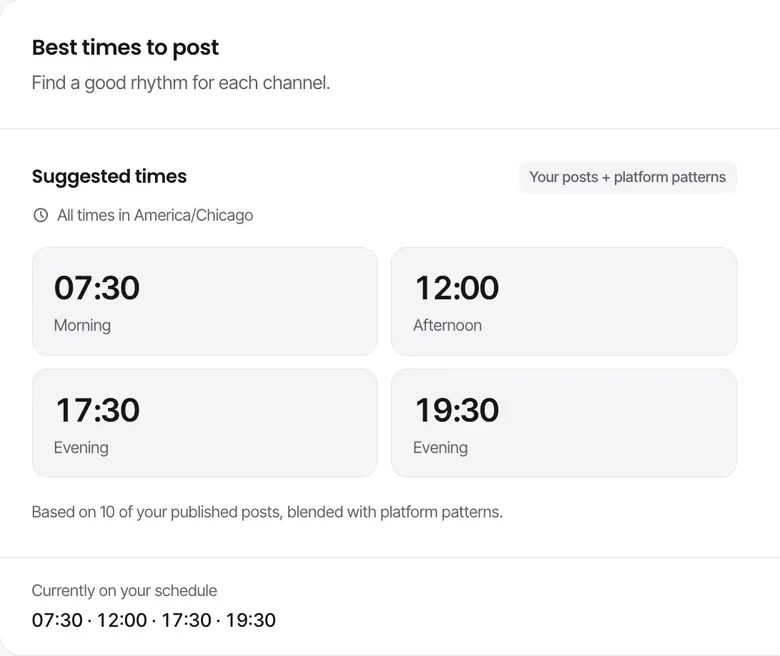
Approved posts go onto a content calendar with scheduling slots in your time zone, and Krevaya AI suggests posting times from your own engagement history.
Sign up with Google or Microsoft, then choose your plan.
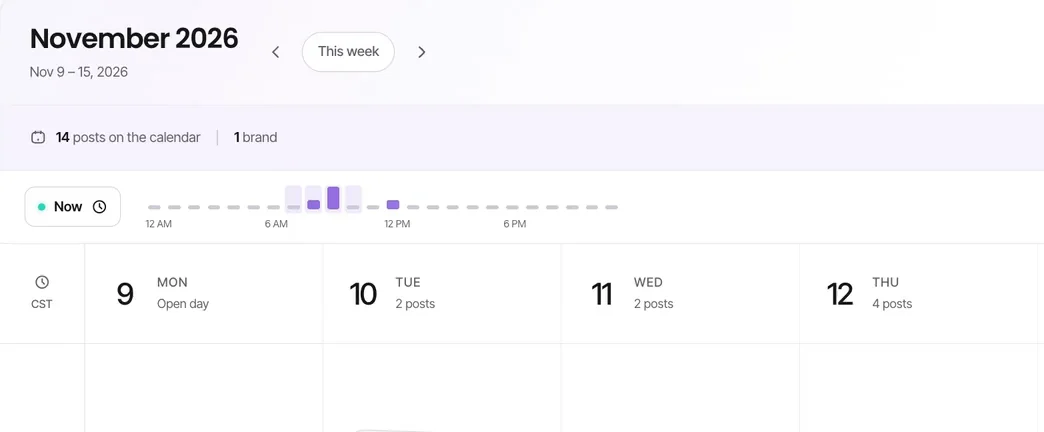
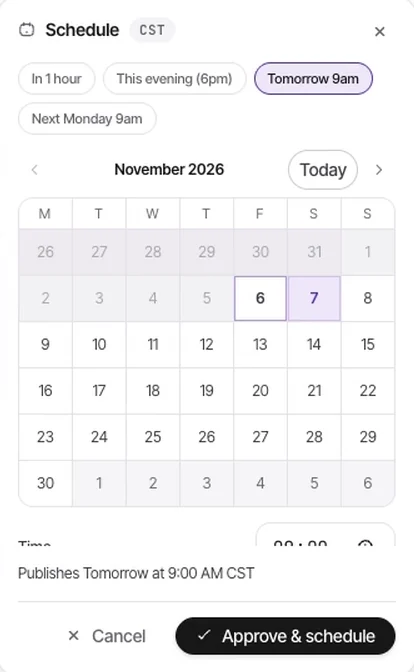
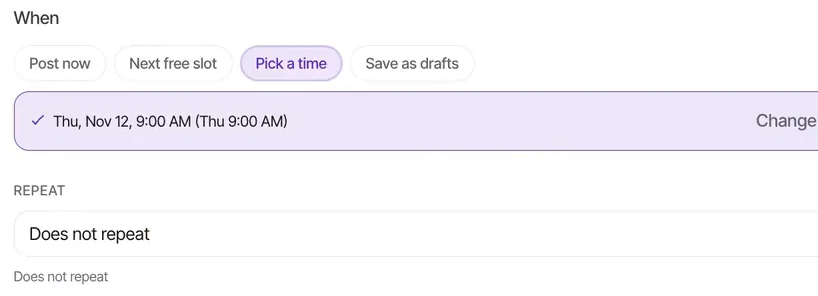
Scheduling slots in your own time zone
Posting times suggested from your account's engagement data
Drag posts between slots, and the queue re-flows automatically
Krevaya AI works out posting-time suggestions from your account's insight history. When your audience's habits change, the suggestions change with them.
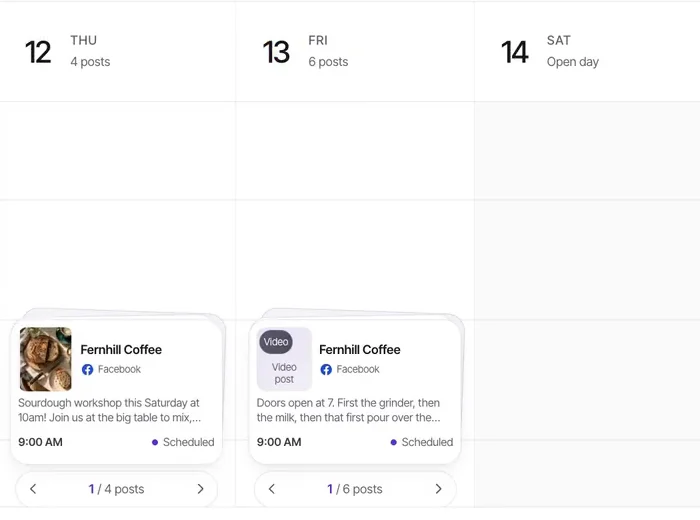
Check the month at a glance, drag posts between days, and find an empty week while there is still time to fill it. Scheduling conflicts and empty slots show on the calendar.
New drafts keep the calendar stocked, the review queue holds each one until you approve it, and the scheduler publishes it at its time.
Step-by-step articles from The Krevaya Fieldnotes.
Guide
Build a manageable social media content calendar with a 30-day plan, a worked example, review deadlines, and a free editable CSV template for small teams.
Guide
Find posting times for your audience using a practical experiment, comparable metrics, timezone checks, and a free tracker. Includes a worked data example.
Create your account, choose a plan, and start making.
Try a plan for 7 days. Card required.