
Free tools
Free social media tools for your next post
Write a bio, find a hook, resize a photo, or make a logo. Every tool opens in your browser, with no account.
245 free tools 19 social platforms No sign-up needed
Find a tool by task or platform
Search all 245 tools, or narrow them to the platform you are writing for.
A few favorites to get you started
Instagram Bio Generator
Introduce what you do and why it matters with a concise bio for your feed and community.
Write your bio
AI Post Generator
Move from a rough idea to a ready-to-edit social post, in a voice that feels like you.
Draft a post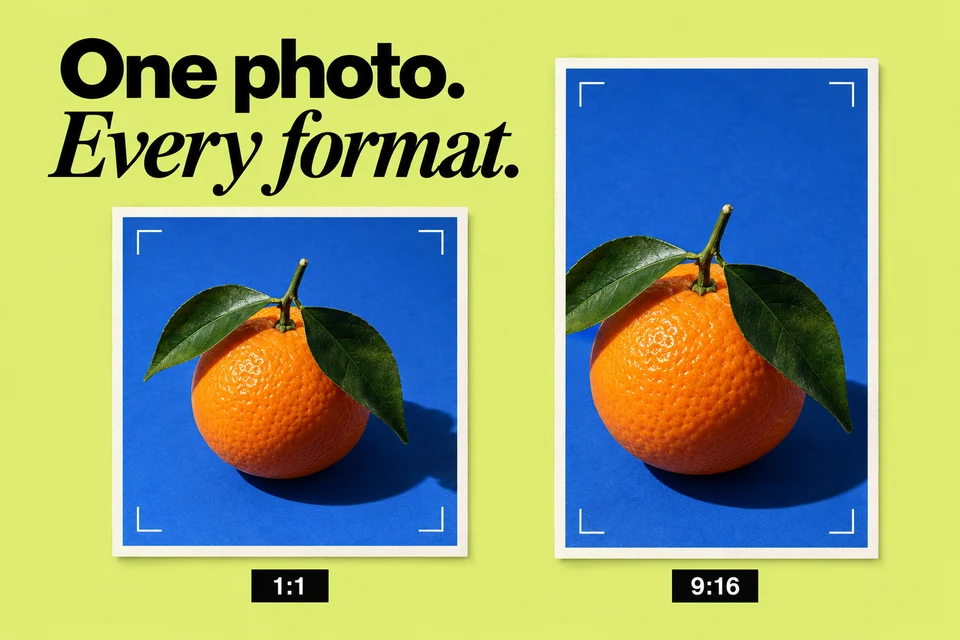
Instagram Photo Resizer
Crop and resize an image for your feed and community, with downloadable results and no upload required.
Resize a photo
LinkedIn Font Generator
Give your professional network a little character with copyable Unicode text styles.
Style your text
TikTok Video Hook Generator
Give viewers a reason to stay. Explore specific opening lines for your next video.
Find your opening
AI Hashtag Generator
Explore relevant hashtag ideas for your next social update, grounded in the topic you share.
Find hashtags
YouTube Title Generator
Find a clear, compelling YouTube title that earns curiosity without promising what your video cannot deliver.
Write a title
AI Logo Generator
Turn a brand brief into original vector logo concepts for your next social update, or create an instant monogram.
Create a logo
LinkedIn Recommendation Generator
Turn real strengths and specific experiences into a thoughtful LinkedIn recommendation.
Write a recommendation
Instagram Line Break Generator
Give your Instagram caption room to breathe. Clean up spacing and copy a more readable version.
Clean up spacing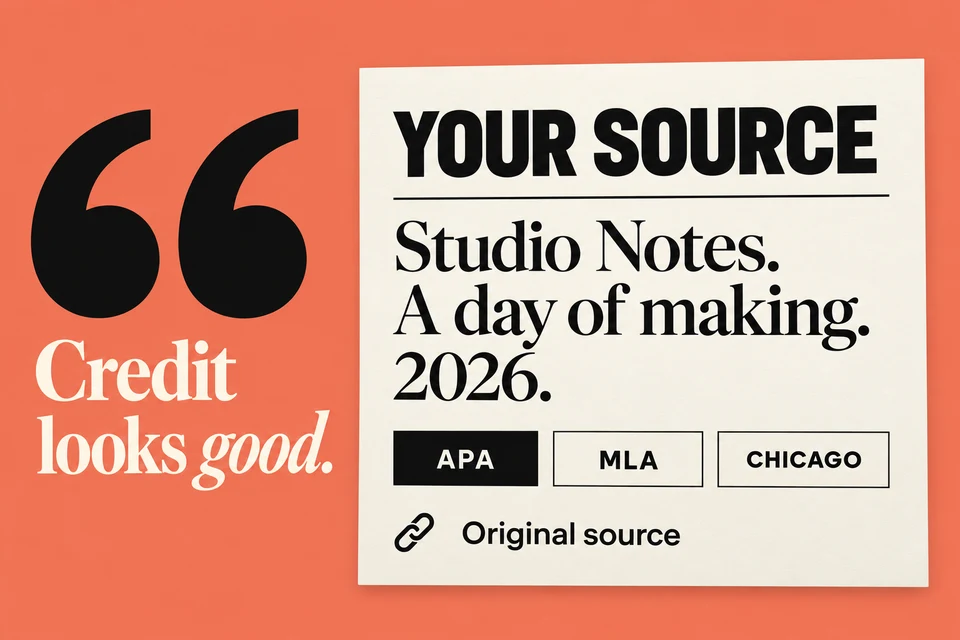
YouTube Citation Generator
Turn the video details you provide into a copyable YouTube citation in APA, MLA, or Chicago style.
Format a citation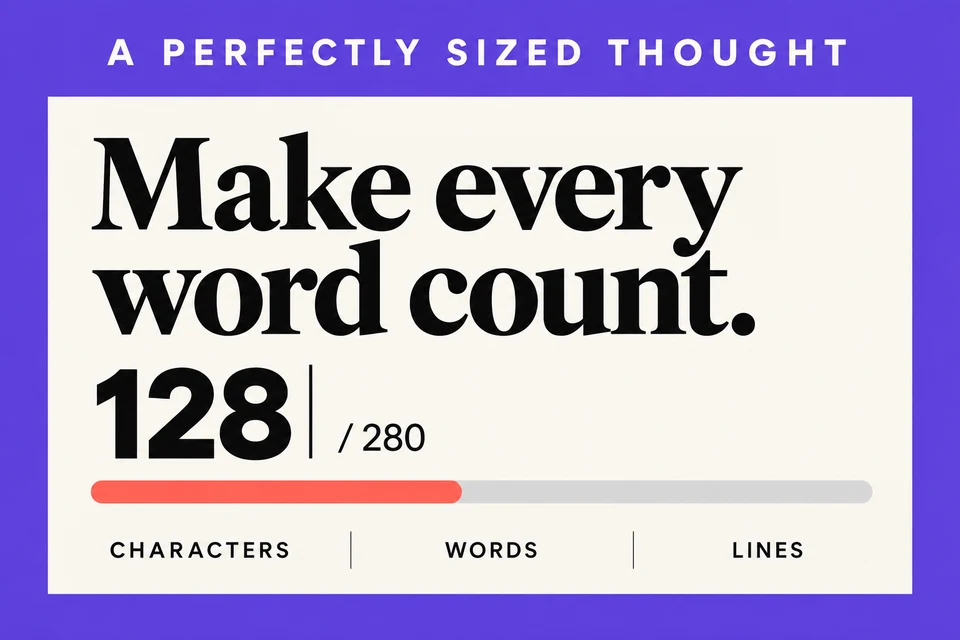
X Character Counter
Measure the characters, words, and spacing in your X draft as you type.
Check your textNo account needed.
Krevaya
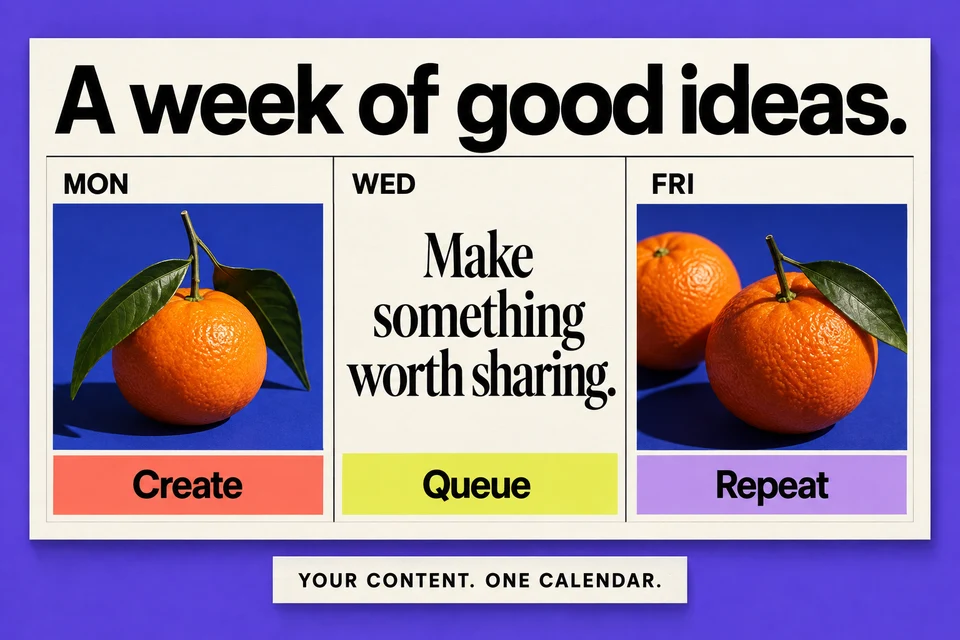
Schedule what you make here with Krevaya
Bring your drafts and creations into one workspace, give each channel its own version, and review every post before it publishes.
- Schedule: plan the week across your connected accounts
- Write: give Krevaya AI your idea, then make the words your own (from Plus)
- Measure: see which posts get a response and shape the next one
Try a plan for 7 days. Card required.
Questions about the free tools
Are these tools really free?
Yes. You can use this toolkit without an account or a credit card. AI writing and logo tools share a free usage allowance. Text formatting, counters, instant monograms, and photo resizing run right in your browser.
Which social platforms are covered?
Find tools for Instagram, TikTok, LinkedIn, YouTube, Facebook, Threads, X, Bluesky, Pinterest, Reddit, and more. Use the platform filter to find the right fit. A tool being available here does not mean Krevaya can publish to that platform; see Channels for publishing support.
What happens to my text and images?
Formatting, counting, citations, instant monograms, and image resizing happen on your device. AI writing and logo tools send your brief to Krevaya’s generation service to create your result. They never publish anything to your accounts.
Can I use the results in my own content?
Absolutely. Copy your text or download your image and make it your own. Review generated writing before publishing, check names and facts, and confirm a name or logo is available before using it for a business.
How is the full Krevaya app different?
These tools help with one task at a time. Krevaya brings your ideas, writing, creations, approval queue, scheduling, and analytics into one workspace. Sign-up is open. Essentials starts at $19/month, with AI on Plus and higher plans.