Write your caption
Add your ideas in the order you want your reader to see them. Put a blank line between thoughts.
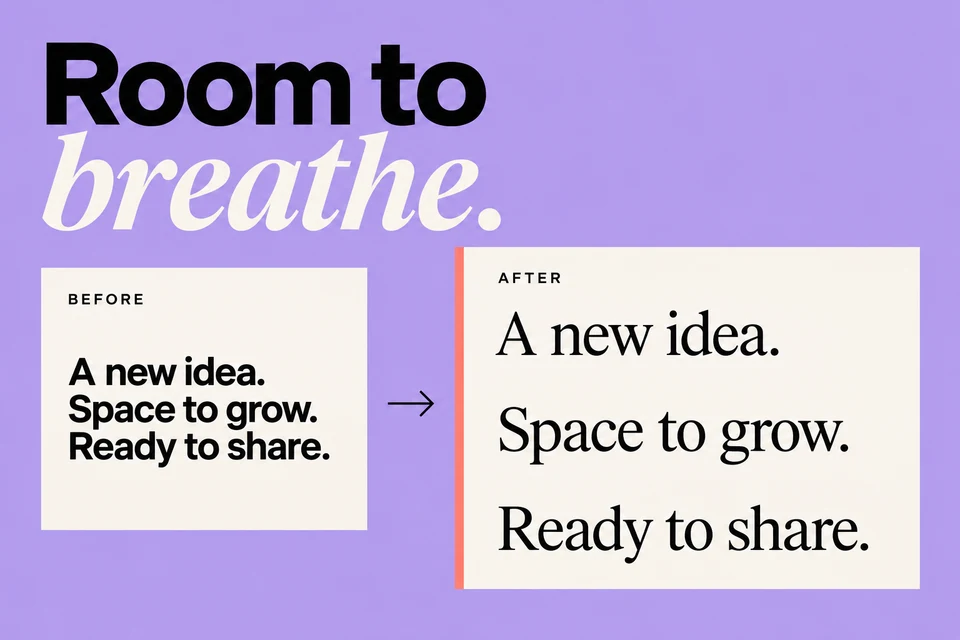
Give your Instagram caption room to breathe. Clean up spacing and copy a more readable version.
Your caption stays in your browser.
Write your caption with a blank line wherever you want a pause.
Blank lines use a blank Unicode character to help retain spacing. It counts toward your caption length. Preview in Instagram before publishing.
Add your ideas in the order you want your reader to see them. Put a blank line between thoughts.
Clean up trailing spaces and optionally add a blank Unicode character to help preserve empty lines.
Copy the formatted caption and check it in Instagram. A little whitespace can make a long thought easier to follow.
Yes. This tool is free to use, with no sign-up or download required. Open it in your browser and get started.
With the spacing option enabled, the tool inserts a blank Unicode character on empty lines. This can help retain line breaks when pasted, but you should still preview the caption in Instagram.
Yes. Line breaks and blank Unicode characters count as part of the text. The preview shows the length of the formatted caption, including that spacing.
Move from a rough idea to a ready-to-edit Instagram post, in a voice that feels like you.
Introduce what you do and why it matters with a concise bio for your feed and community.
Explore relevant hashtag ideas for your feed and community, grounded in the topic you share.
Explore memorable Instagram name ideas that reflect your interests and personality.
Your ideas deserve more than a folder of unfinished drafts. Bring your writing, designs, and publishing into one place, and build a rhythm you can keep.
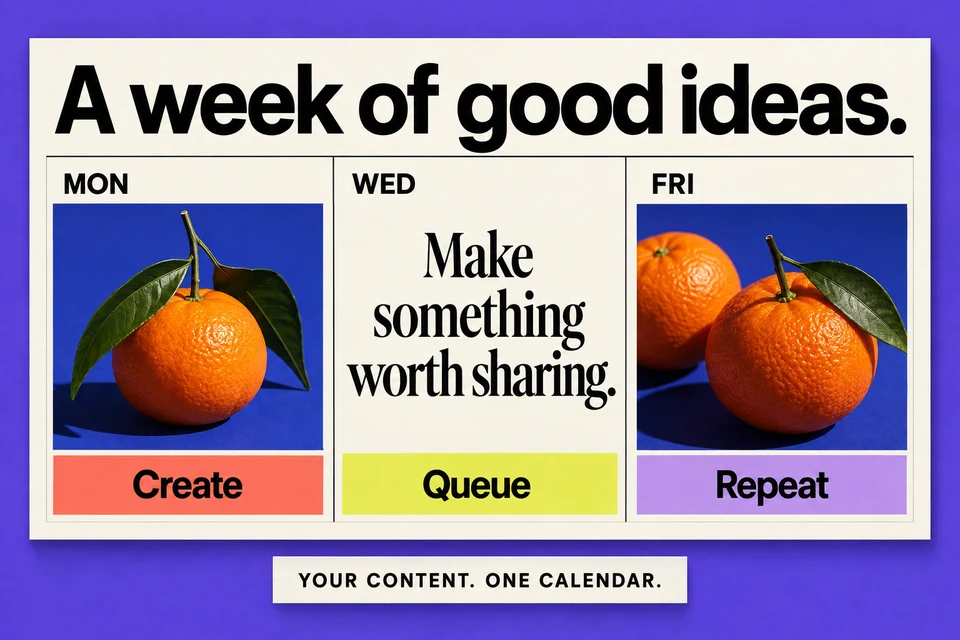
Schedule ahead across your connected accounts.
Give AI your idea, then make the words your own.
Use engagement insights to shape your next post.
One connected account. Five posts a month.
Access is by invitation. AI, analytics, and additional accounts are available on paid plans.