Krevaya
How is a channel's posting limit worked out?
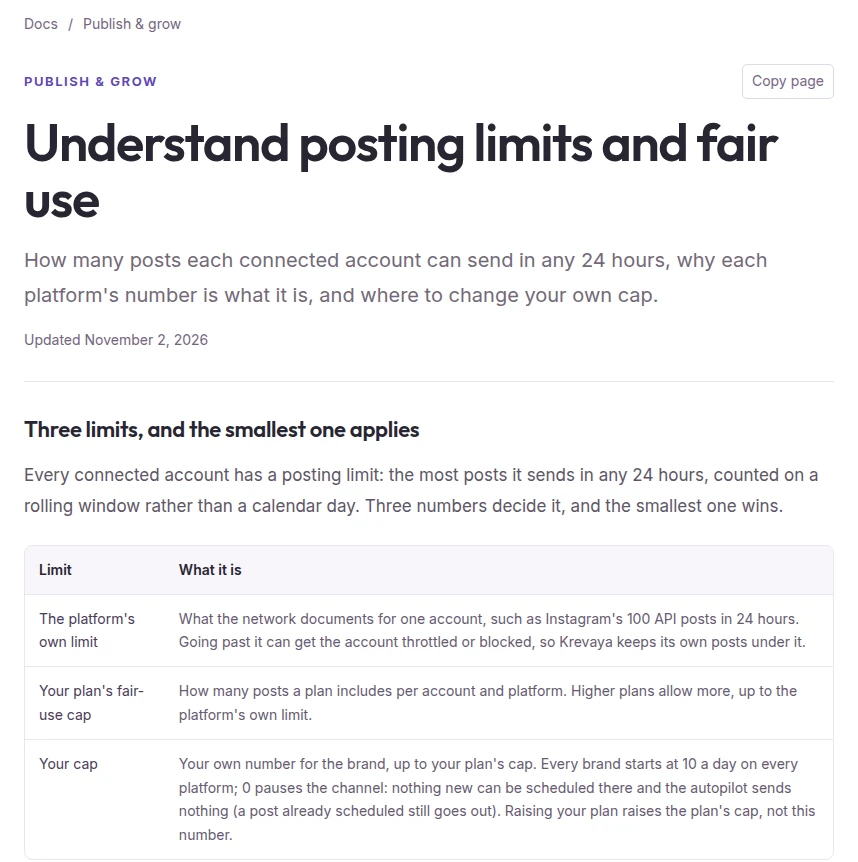
Every connected account has a posting limit: the most posts Krevaya sends to it in any 24 hours. The count moves with the clock, so a post leaves it 24 hours after its time. Three numbers set the limit, and the smallest one applies:
- the platform's own limit for one account, such as Instagram's 100 API posts in 24 hours
- your plan's fair-use cap for that platform
- your own cap for the brand
Since October 20, 2026, your own cap is a plain number on every platform. Every brand starts at 10 posts a day per channel. You can set any number up to your plan's cap, and 0 pauses the channel for that brand. X is the one platform counted by the month, described below.
Before that release, a 0 meant different things on different platforms. On Facebook and Instagram it stopped posting, and on TikTok, YouTube, Pinterest, Threads, LinkedIn and Bluesky it meant "use the plan's cap". The release gave the number one meaning everywhere. Caps that were defaults nobody had chosen became 10, and a number someone had set, including a 0, stayed as it was.
Where do I see and change my limits?
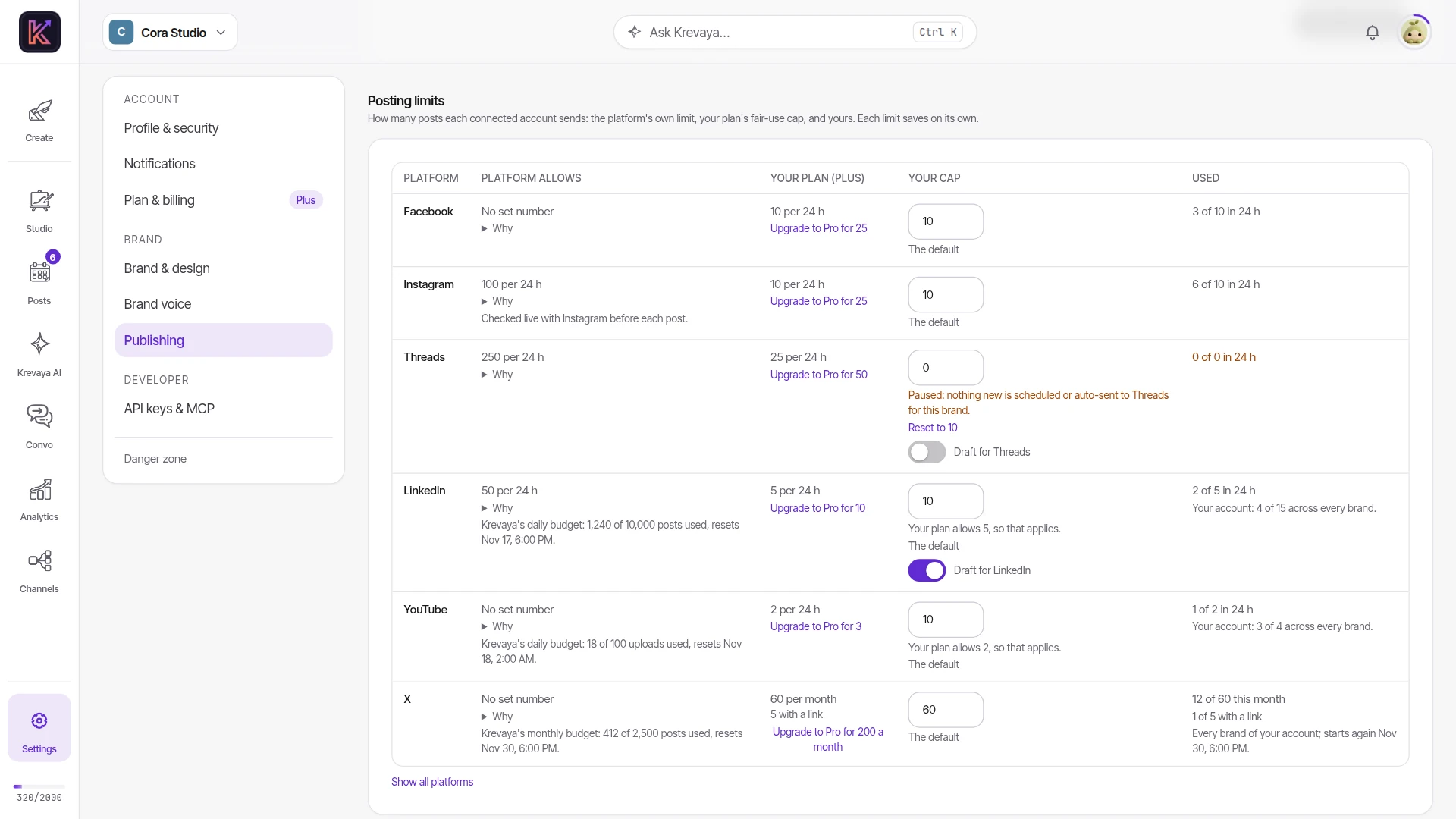
Open Settings → Publishing and scroll to Posting limits, or open a brand's Publishing section on the Brands page. The table lists the brand's connected channels, and Show all platforms adds the rest. Each row shows what the platform allows, with a Why note and a link to the platform's own documentation. Beside it are your plan's cap, your cap, and how many posts are already in the 24 hours around now.
To change a cap, type a number and choose Save. When your number differs from the default, Reset to 10 brings the default back. A number above your plan's cap is refused with a message that names the plan's limit and the plan that allows more, such as "The Plus plan allows up to 10 Instagram posts a day per account (12 asked). Upgrade to Pro for 25 a day." When the default 10 is higher than your plan allows, the row says which number applies, such as "Your plan allows 5, so that applies." At 0, the row reads "Paused: nothing new is scheduled or auto-sent to Threads for this brand."
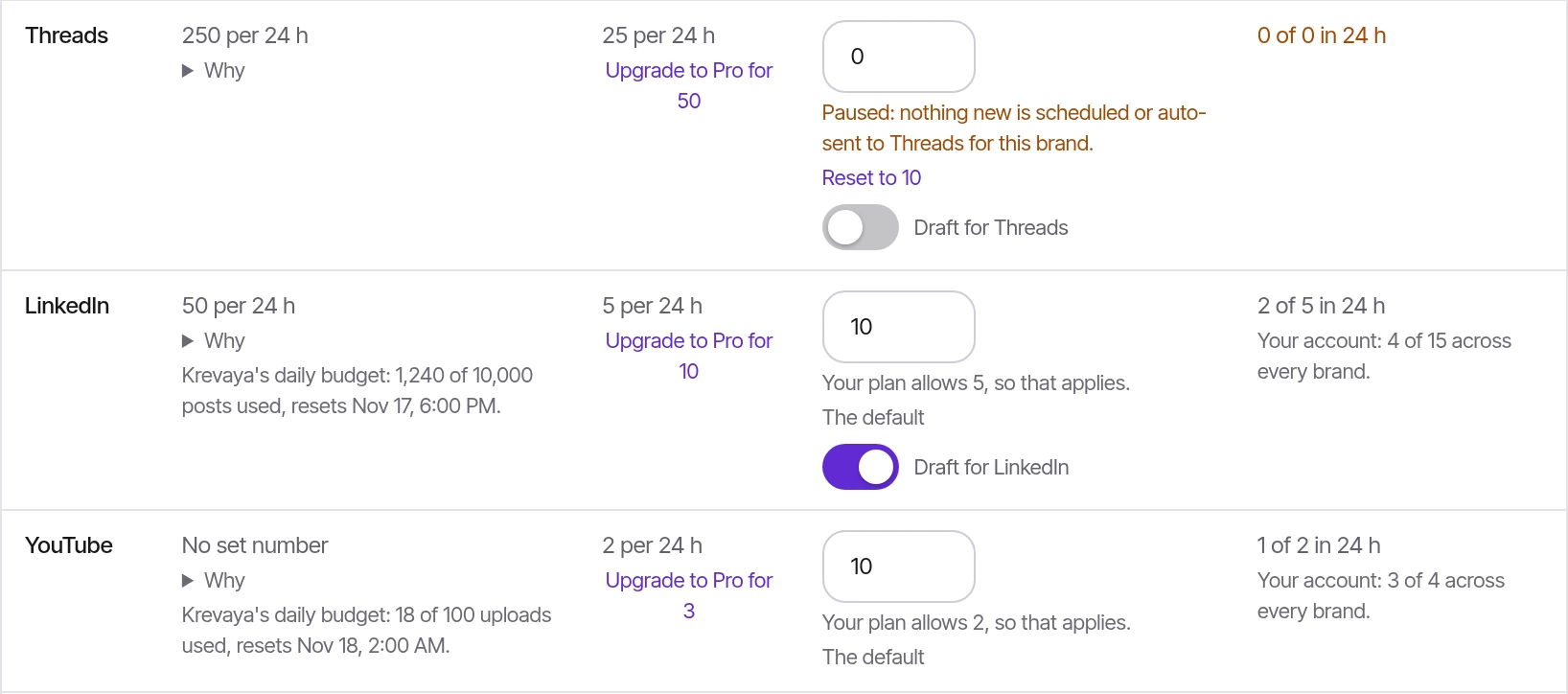
Settings → Publishing → Posting limits, shown with a fictional sample workspace.
For Threads, LinkedIn and Bluesky, the Draft for switch decides whether new draft runs write posts for that platform. Connecting the channel turns it on the first time. Switching it off stops those drafts and leaves the cap as it is.
The posting schedule cards above the table set posting times only. Caps are set in the table.
What happens when a channel reaches its limit?
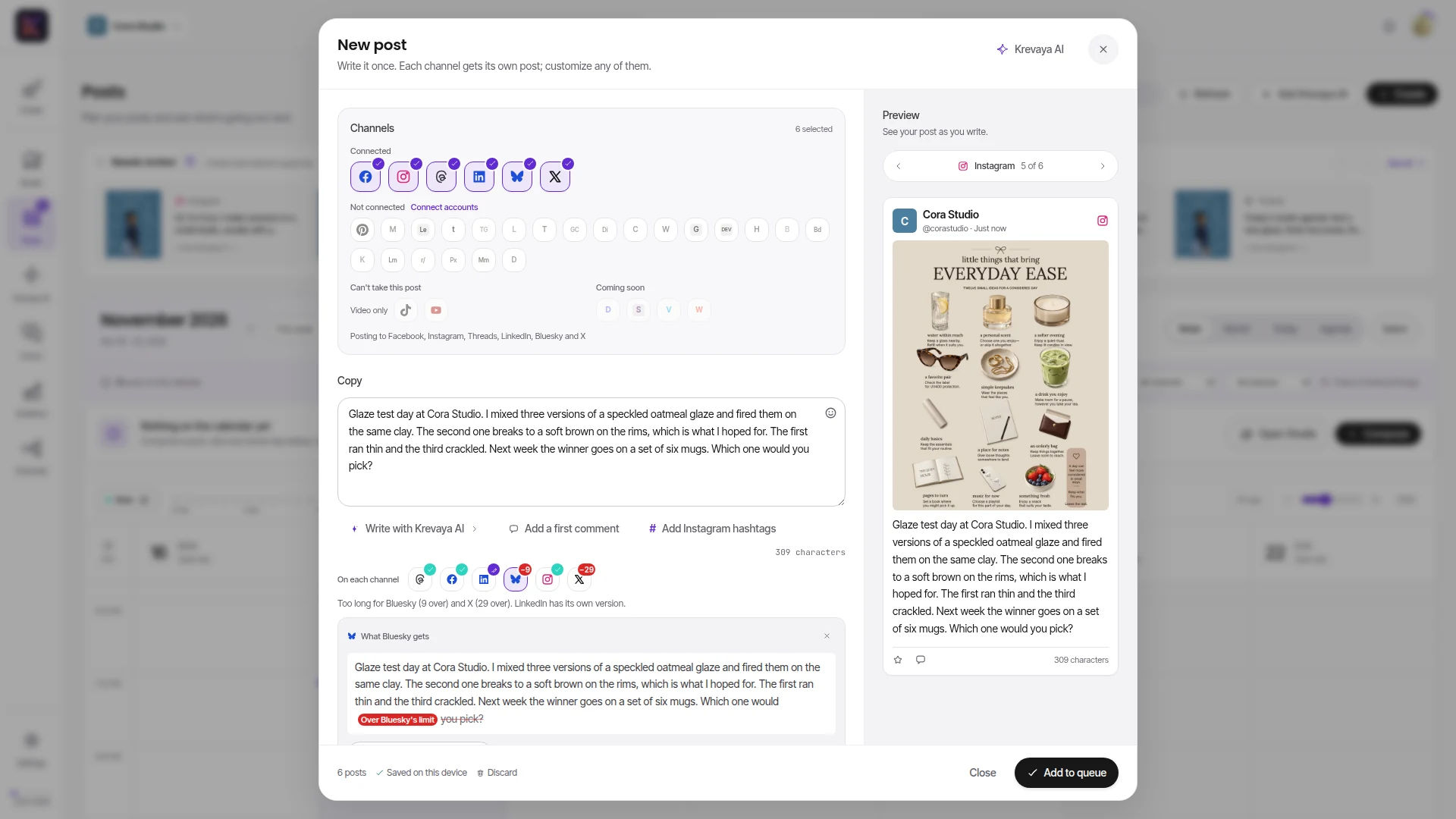
Next free slot skips any time that would go over a limit and picks the next time that fits. If you pick a time yourself and it would go over, Krevaya refuses it. The message names each limit, how many posts are already in that 24 hours, and the next free time. In the composer, hover over or tap a channel's tile to see its count, such as "3 of 10 today". An amber dot marks a channel that is at its limit.
When a post comes due, Krevaya checks your plan's cap and the platform's own limit again, against the posts that actually went out in the last 24 hours. A post over either one is held. It stays queued with the reason and goes out on a later pass once there is room, and it is never marked failed for a limit. Your own cap is checked when a post is scheduled, so a post you scheduled before lowering your cap or pausing the channel still goes out at its time. Unschedule it if you want to stop it.
Before each Instagram post, Krevaya reads the account's live publishing count from Instagram, which includes posts made with other tools. If the account is at Instagram's limit, the post is held until there is room.
Why do YouTube, TikTok, LinkedIn and Tumblr also have an account-wide cap?
These four platforms limit Krevaya's app as a whole instead of each account: YouTube's daily upload allowance, TikTok's daily cap on how many creators an app posts for, and the daily quotas of Krevaya's LinkedIn and Tumblr apps. Every Krevaya customer shares them, so Krevaya keeps a daily budget for each.
On those four platforms, your plan also caps your whole account, every brand together, in any 24 hours. On Plus, for example, each YouTube channel can take 2 uploads a day and the whole account can take 4. The Posting limits table shows the account's count under the brand's, as in "Your account: 3 of 4 across every brand." A time that would go over the account cap is refused the same way a brand's limit is. A post that comes due over it is held until the 24-hour window has room.
If Krevaya's shared budget for one of these platforms runs out for the day, posts there are held until the platform's day turns over: midnight Pacific time for YouTube, 00:00 UTC for the others.
How is X counted?
X is counted by calendar month in UTC, for your whole account with every brand together. Each plan includes a number of X posts a month and, within it, a smaller number of posts that contain a link. A post with a link counts toward both. X is included from Essentials up: Essentials and Plus include 60 X posts a month, 5 of them with a link, and Pro includes 200, 20 of them with a link. A brand's own X cap starts at the plan's monthly number.
A post that comes due when the month is full is held, and nothing is sent to X. It goes out after the month resets on the 1st at 00:00 UTC, or sooner if you upgrade.
Where are the numbers for every platform and plan?
The posting limits help page lists the platform's limit and each plan's cap for every channel, why each platform's limit is what it is, and X's monthly allowance by plan. On the pricing page, "Unlimited posts & ideas" on each plan carries a note that publishing is subject to these per-platform fair-use limits.