Skip to content
Roo Code + Krevaya

Schedule social media posts from Roo Code

  • Hosted MCP server, one config entry, nothing to install
  • Draft, review, and schedule by asking, from Roo Code in VS Code
  • Seven channels: Instagram, TikTok, Pinterest, Facebook, Threads, LinkedIn, Bluesky

Krevaya is the review-first content workspace Roo Code drives through our hosted MCP server. Drafts wait for your approval; auto-publish is opt-in. Last updated October 2026.

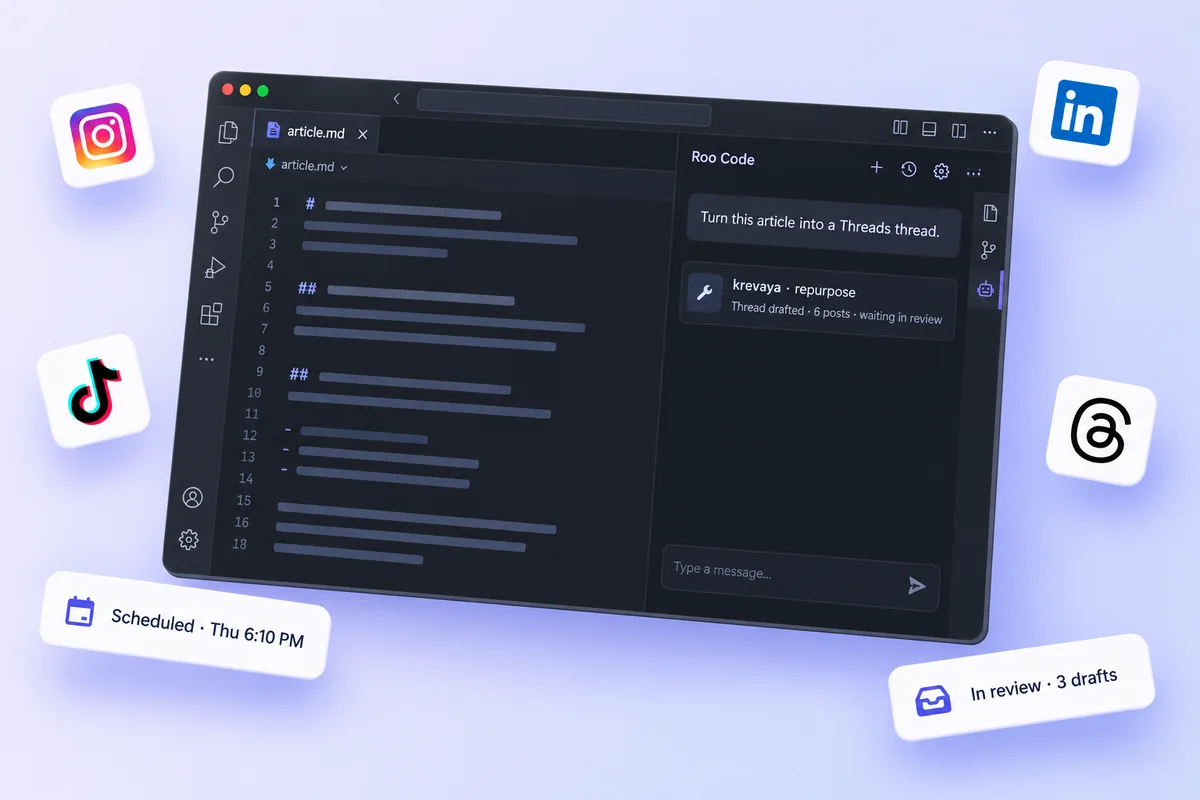
Roo Code connected to Krevaya: a request in Roo Code, Krevaya tool calls, and a scheduled post

How do I connect Krevaya to Roo Code?

Mint a key, paste one snippet, and ask. Roo Code discovers the Krevaya tools your key allows and calls them for you; nothing publishes until you approve it.

1Connectabout a minute

Add Krevaya to Roo Code

Paste this with a key from Settings → API keys. Give the key only the scopes Roo Code needs.

mcp_settings.json
{ "mcpServers": { "krevaya": {
  "type": "streamable-http",
  "url": "https://api.krevaya.com/mcp",
  "headers": { "Authorization": "Bearer krv_..." },
  "timeout": 600
} } }

Open it from Roo Code's MCP Servers panel. The default timeout is 60 seconds, too short for a repurpose run.

2Askreview-first

Then just ask Roo Code

Once connected, Roo Code calls the Krevaya tools. Approved and scheduled posts publish on time, even after you close it.

Check my Krevaya queue, approve the drafts that sound like me, and schedule them for the best times.

Done. Three drafts approved and scheduled: Tue 9:00 AM, Thu 6:10 PM, Sat 10:30 AM. One draft rejected as too salesy, with the reason noted. Nothing has published yet; the scheduled posts go out at those times.via Krevaya · get_queue_summary, approve_post, reject_post, get_best_times, schedule_post

Also try
  • What’s waiting for my review?
  • Draft next week from what’s trending
  • Who should I reply to this morning?
  1. Mint a key in Settings → API keys. Pick the scopes Roo Code should have; a read-only key can look but never publish.
  2. Add the server to mcp_settings.json, as above.
  3. Roo Code discovers the Krevaya tools, filtered to your key’s scopes, plus four ready-made prompts.
  4. Ask in plain language. Drafts land in your review queue; scheduled posts publish on time.

One connection powers every channel you run

Connect your accounts in Krevaya once. From then on Roo Code can draft for any of them, and Krevaya publishes at the time you set.

InstagramTikTokPinterestFacebookThreadsLinkedInBluesky

What can Roo Code do with Krevaya?

Write, review, design, schedule, and measure, all through the Krevaya tools it discovers once the server is added.

Ask in plain language

Tell Roo Code what to draft, approve, or schedule. It calls the Krevaya tools for you; no menus, no forms.

Review-first, always

Drafts land in your review queue. Nothing publishes until you approve it, and auto-publish is opt-in per pipeline.

Seven channels

Instagram, TikTok, Pinterest, Facebook, Threads, LinkedIn, and Bluesky, from one connection.

Plan and schedule ahead

Draft a week from what's trending, pick the best times from your own engagement history, and schedule.

Design and video templates

Copy a video template into a design, change titles or footage one layer at a time, and preview pages as images.

Stays in your account

Scoped keys: a read-only key can look but never publish. Tools are filtered per key, and you can revoke one in a click.

What is the Krevaya MCP server?

MCP (Model Context Protocol) is the open standard that lets AI assistants call real tools. Krevaya hosts a remote MCP server, so Roo Code gets your whole content pipeline as tools without a local process. Read more on the MCP page →

How Roo Code uses Krevaya

  • Add the Krevaya server to Roo Code with the snippet above
  • Roo Code discovers the tools your key allows, plus four ready-made prompts
  • It drafts, designs, schedules, or reads results through the same pipeline as the dashboard
  • You approve in the review queue, and scheduled posts publish on time
# Krevaya MCP server
URL:        https://api.krevaya.com/mcp
Transport:  Streamable HTTP
Auth:       Authorization: Bearer krv_...

# Tools, filtered to your key's scopes
read & triage · create · design · schedule & publish
media · measure · engagement · brand memory

# Ready-made prompts
content_ops · weekly_review · repurpose_source · plan_week

What can you ask Roo Code to do?

Anything you would ask a teammate: name the channels, the time, and the tone, and Roo Code handles the rest.

Launch

Ship a launch post

Draft a launch post for Instagram and LinkedIn about our new Friday hours, in my voice, and put both in my review queue.
Content calendar

Plan a whole week

Plan next week from what's trending in my niche and schedule the approved posts at my best times.
Repurpose

Turn a link into drafts

Repurpose this article into a Threads thread and a LinkedIn post. Make the thread contrarian.
Community

Answer the room

Who should I reply to this morning? Draft the replies in my voice and I'll approve them.

Good to know for Roo Code

The details that trip people up with this client, from our own testing.

  • type is streamable-http, hyphenated, and required.
  • The tool timeout defaults to 60 seconds; raise it to 600 or repurpose fails before the drafts land.

Roo Code or Cline?

Both connect to the same server and see the same tools. The difference is where you work.

Roo CodeCline
What it isA fork of Cline with modes and profilesAn open-source agent for VS Code
Transport keytype: streamable-http, plus a 600 s timeouttype: streamableHttp
Best forLonger runs such as repurposeApprove-as-you-go sessions

Other AI agents that work with Krevaya

Same server, same tools, same review queue. ChatGPT is the one gap: its connectors need OAuth, which Krevaya does not offer yet.

Frequently asked questions about Roo Code and Krevaya

How does Krevaya work with Roo Code?

Krevaya hosts a remote MCP server. Add it to Roo Code with the snippet on this page and Roo Code gets Krevaya's tools: list and triage drafts, create posts, draft a week, repurpose a link, design and edit video templates, schedule, and read results. Everything runs through the same review-first pipeline as the dashboard.

How do I connect Krevaya to Roo Code?

Mint a key in Settings → API keys, choose its scopes, then add the server to mcp_settings.json. There is nothing to install on Krevaya's side; the server is hosted.

Do I need a paid plan?

MCP access is included on Krevaya's Plus plan ($29 per month) and up, with the same usage allowances as the rest of your account. Roo Code's own requirements are set by Roo Code, not by Krevaya.

Can Roo Code post while I'm away?

Only what you have approved. Drafts wait in the review queue; approved and scheduled posts publish at their time whether or not Roo Code is open. Auto-publish is opt-in per pipeline, and you can turn it back off any time.

Is it safe? Does Roo Code need my social media passwords?

No. Roo Code talks to Krevaya with a scoped API key, and Krevaya publishes through each platform's official API with tokens encrypted at rest. A read-only key cannot publish at all. Revoke a key in one click and the connection is gone.

Which platforms can Roo Code post to?

Any channel connected to your Krevaya workspace: Instagram, TikTok, Pinterest, Facebook Pages, Threads, LinkedIn, and Bluesky. Available formats depend on the channel and your connected account.

Roo Code doesn't show the Krevaya tools. What should I check?

Three things: the key is sent as an Authorization: Bearer header, the URL is exactly https://api.krevaya.com/mcp, and the key's scopes cover what you are asking for, because tools are filtered per key. For Roo Code specifically: type is streamable-http, hyphenated, and required.

Is it free to start?

Krevaya's Free plan does not include MCP access; it starts with Plus. Access is currently by invitation, so join the waitlist and we will be in touch when it is your turn.

Let Roo Code run your content ops.

MCP access is included from the Plus plan up. Join the waitlist and we'll be in touch when it's your turn.

Join the waitlist