Bring your image
Choose a photo from your device. Your original stays untouched, and the image stays in your browser.
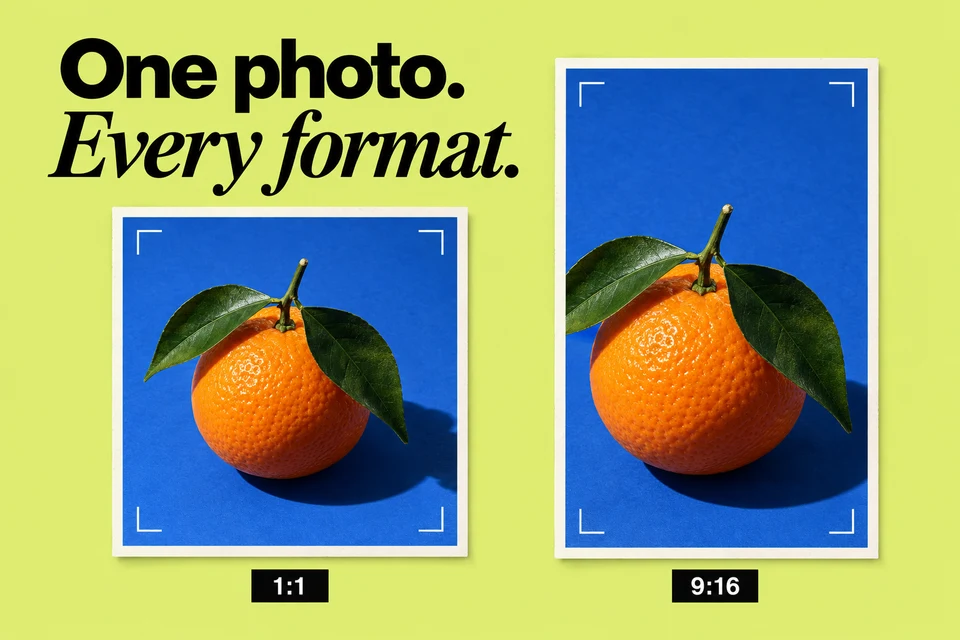
Crop and resize an image for your channel, with downloadable results and no upload required.
Your photo never leaves your device.
Upload a photo to preview your crop, try a new size, and download it.
Presets are useful canvas sizes, not upload requirements. Center crop trims the edges; “Fit entire image” keeps everything and adds your background color.
Choose a photo from your device. Your original stays untouched, and the image stays in your browser.
Pick a useful preset or enter your own dimensions. Fill the frame with a center crop, or keep the whole image.
Check the preview and download a new PNG, JPEG, or WebP. Your next post is one step closer.
Yes. This tool is free to use, with no sign-up or download required. Open it in your browser and get started.
No. Resizing happens locally in your browser. The tool creates a new download and leaves your original photo unchanged.
Fill crops the image around its center to cover your chosen dimensions. Fit keeps the entire image visible and fills any remaining space with the background color you choose.
Move from a rough idea to a ready-to-edit YouTube post, in a voice that feels like you.
Introduce what you do and why it matters with a concise bio for your channel.
Explore relevant hashtag ideas for your channel, grounded in the topic you share.
Explore memorable YouTube name ideas that reflect your interests and personality.
Your ideas deserve more than a folder of unfinished drafts. Bring your writing, designs, and publishing into one place, and build a rhythm you can keep.
Schedule ahead across your connected accounts.
Give AI your idea, then make the words your own.
Use engagement insights to shape your next post.
One connected account. Five posts a month.
Access is by invitation. AI, analytics, and additional accounts are available on paid plans.